

Aircraft Enters Unresponsive Hover State During Autonomous Operation
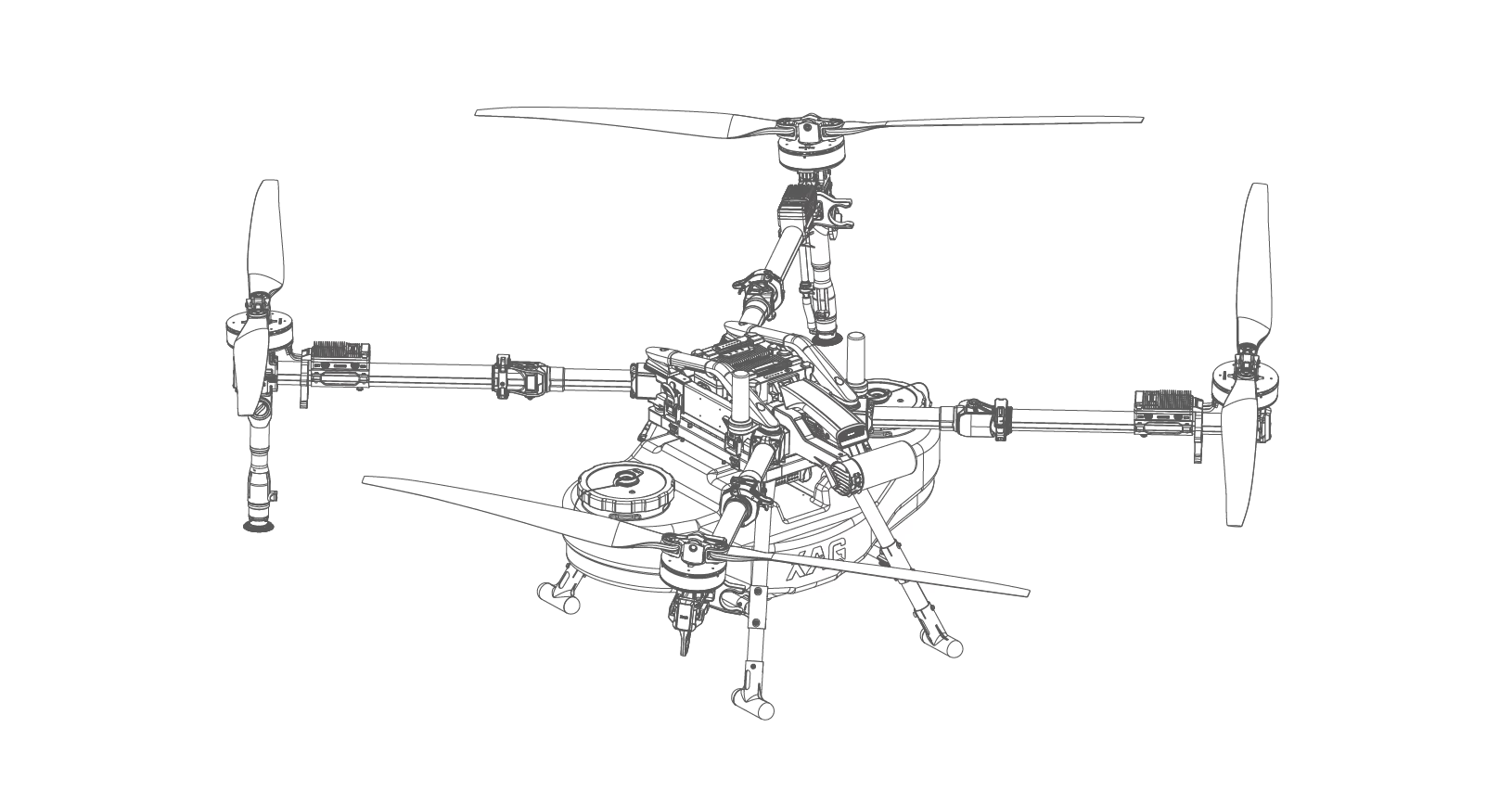
Aircraft Enters Unresponsive Hover State During Autonomous Operation
Last Updated on:
Issue Date:
Issue Status:
Applicable Models:
Description of Issues
Under specific operating conditions, the aircraft may unexpectedly enter a hover or stationary state during autonomous operation. In affected cases, communication between the aircraft and remote controller was subsequently lost, preventing reconnection and manual takeover during the occurrence.
The aircraft remained unresponsive throughout the event until the onboard battery level reached the critical protection threshold, triggering an automatic forced landing procedure.
As a result, the aircraft may remain stationaryin-flight for an extended period before descending automatically due to lowbattery protection logic.
Instructions for Customer
Solution
System Service firmware version 3.2.0.35 has been released to target and mitigate the issue during autonomous operation.
Required Operator Actions
Operators are advised to:
! Update all aircraft firmware to the latest available version,
! Verify successful firmware installation before operation,
! Maintain continuous visual observation during autonomous missions.
If abnormal hover behaviour or communication loss is observed:
! Immediately suspend operation where possible,
! Maintain safe separation from the aircraft,
! Document the occurrence for technical investigation.
Following any occurrence:
1. Follow the XAG Australia Post-Incident Reporting Guide
2. Submit a warranty assessment request via: XAG Australia Warranty Service Request Form
Instructions for Pilots
1. Update aircraft firmware via: XAG One App → Me → Device → P150 Max Device Details → Firmware Update
2. After completing the firmware update:
! restart the aircraft,
! restart the remote controller,
! and confirm all onboard servicesinitialise correctly.
3. Conduct a low-risk validation flight before resuming normal operation.
If similar behaviour is observed after theupdate, immediately submit a technical support request via: XAG Australia Repair Request Form
More Posts


.png)


